Find every screenshot. Frame them like a Pro.
Screenshots Pro organizes your iPhone, iPad, and Apple Watch screenshots, then wraps them in professional device bezels, ready for the App Store. Add Markup, the Colour Picker, Pinned Screenshots, and a Dashboard that keeps your library tidy.
New in 2026.6 iPhone 18 Pro, iPhone Duo & Apple Watch Ultra 4 frames
Chaos → Order
Screenshot Library
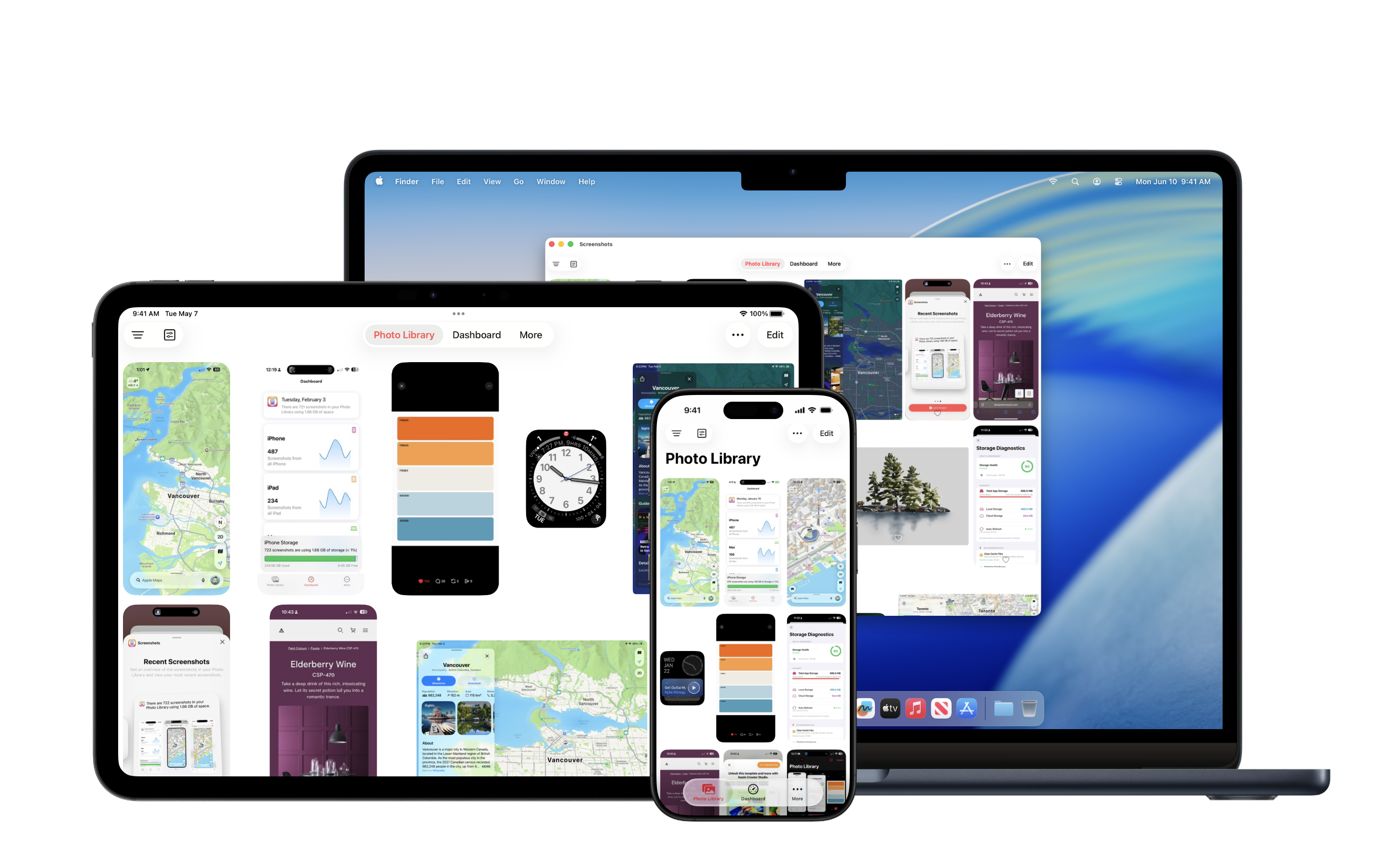
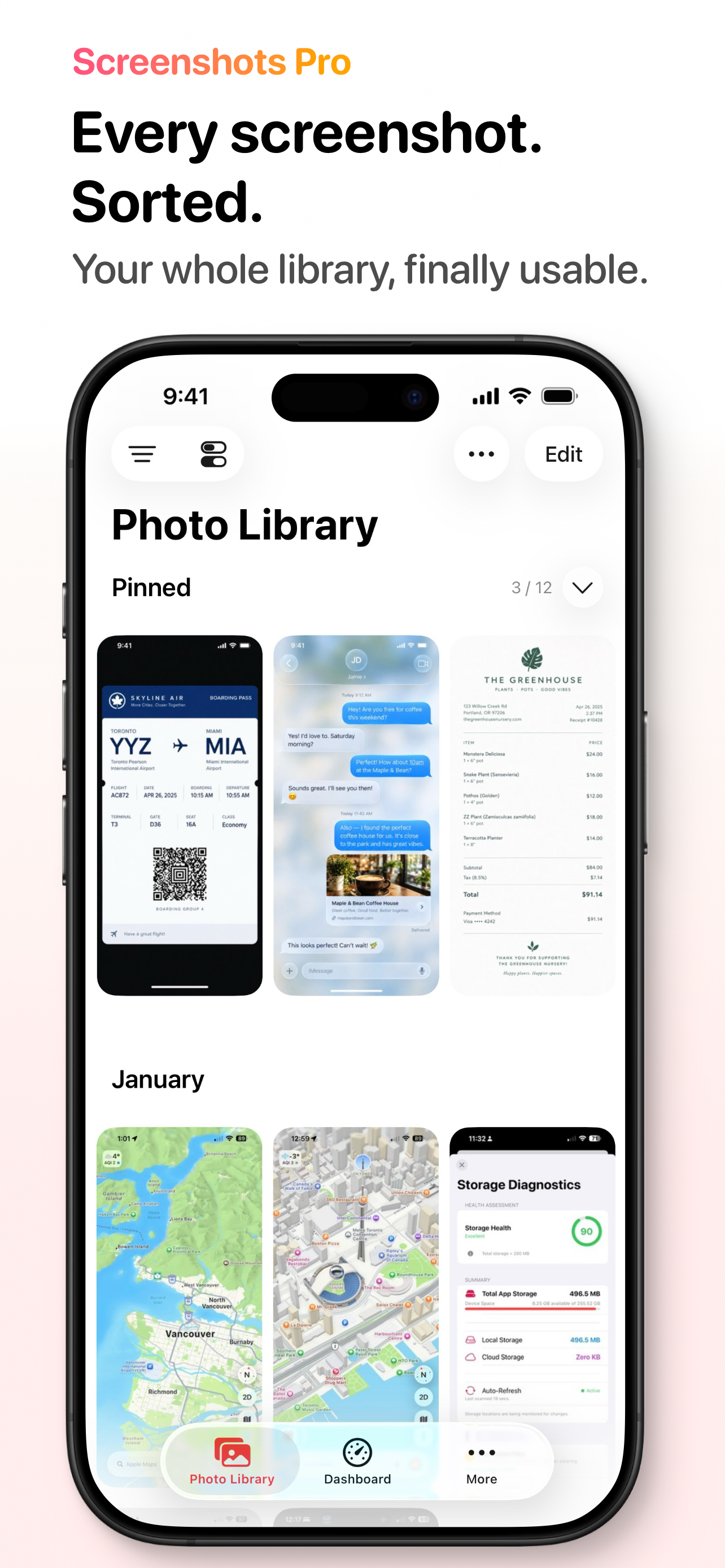
Instead of digging through the Photos app, Screenshots Pro automatically finds every screenshot in your photo library, separates them from photos, and turns them into a focused, powerful library built for developers, designers, and power users.
Easy Screenshot Framing
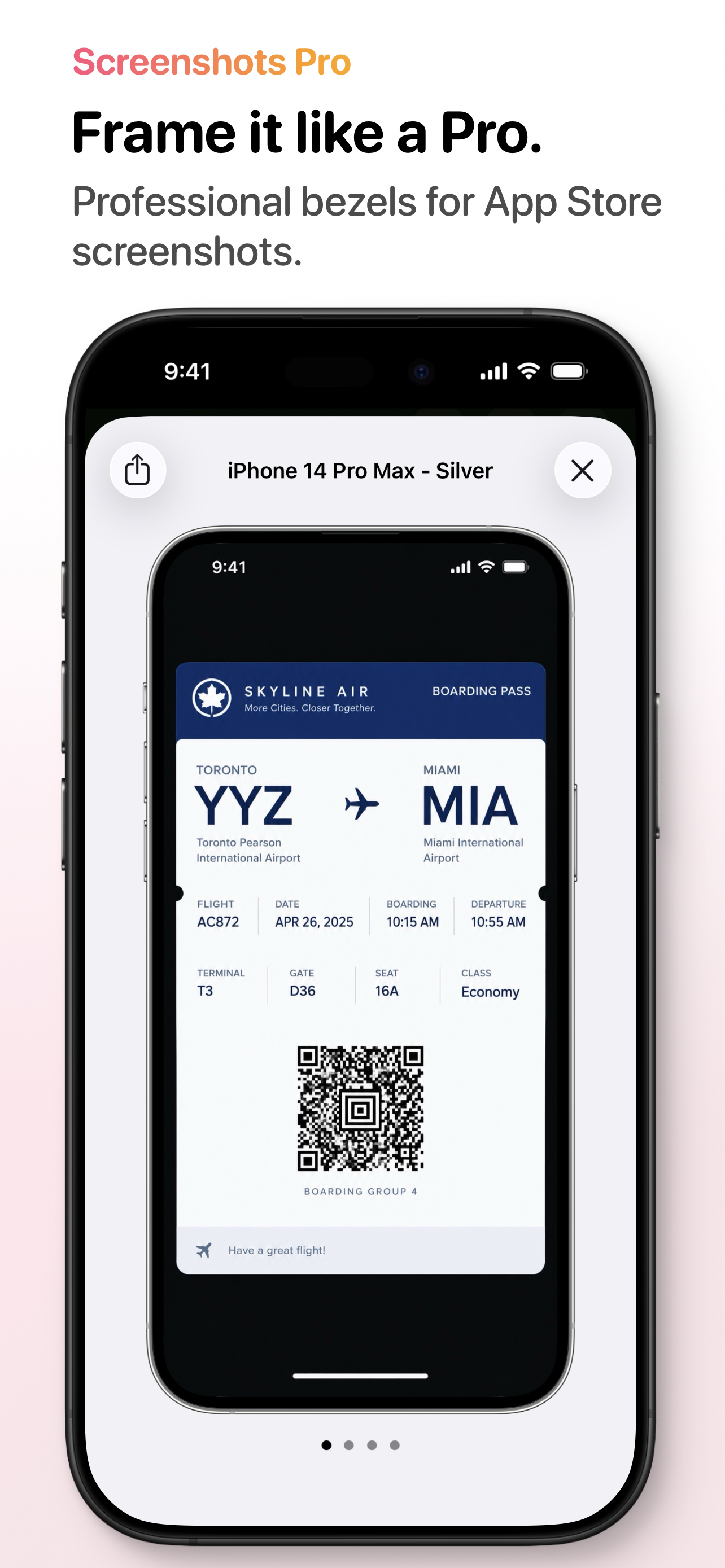
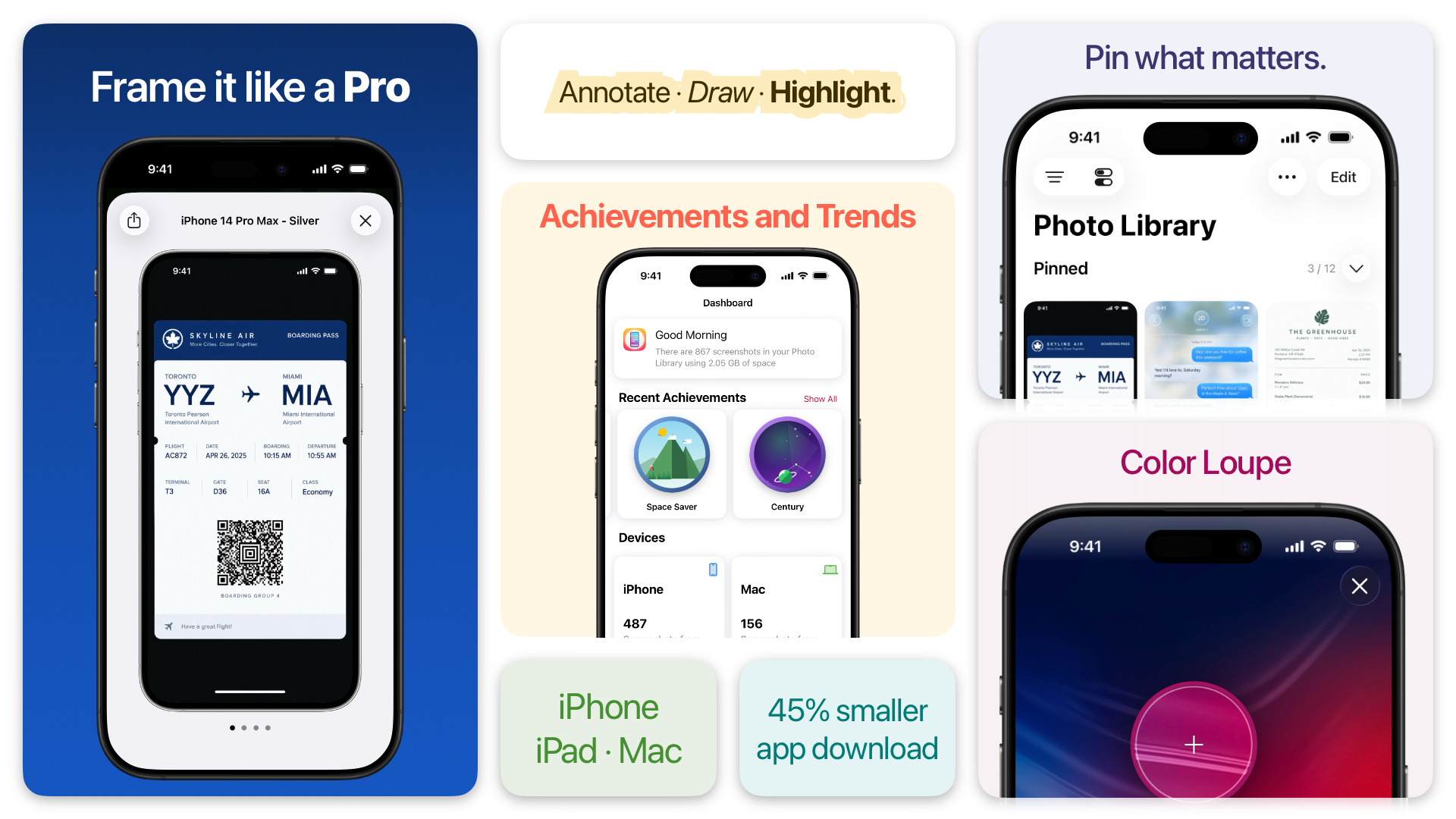
Create App Store ready framed screenshots with one tap. Screenshots Pro includes frames for the latest devices — including the iPhone 18 Pro, iPhone Duo, and Apple Watch Ultra 4 — in a wide range of colour options, and new frames download on their own with no app update. Supported for iPhone, iPad, and Apple Watch screenshots.
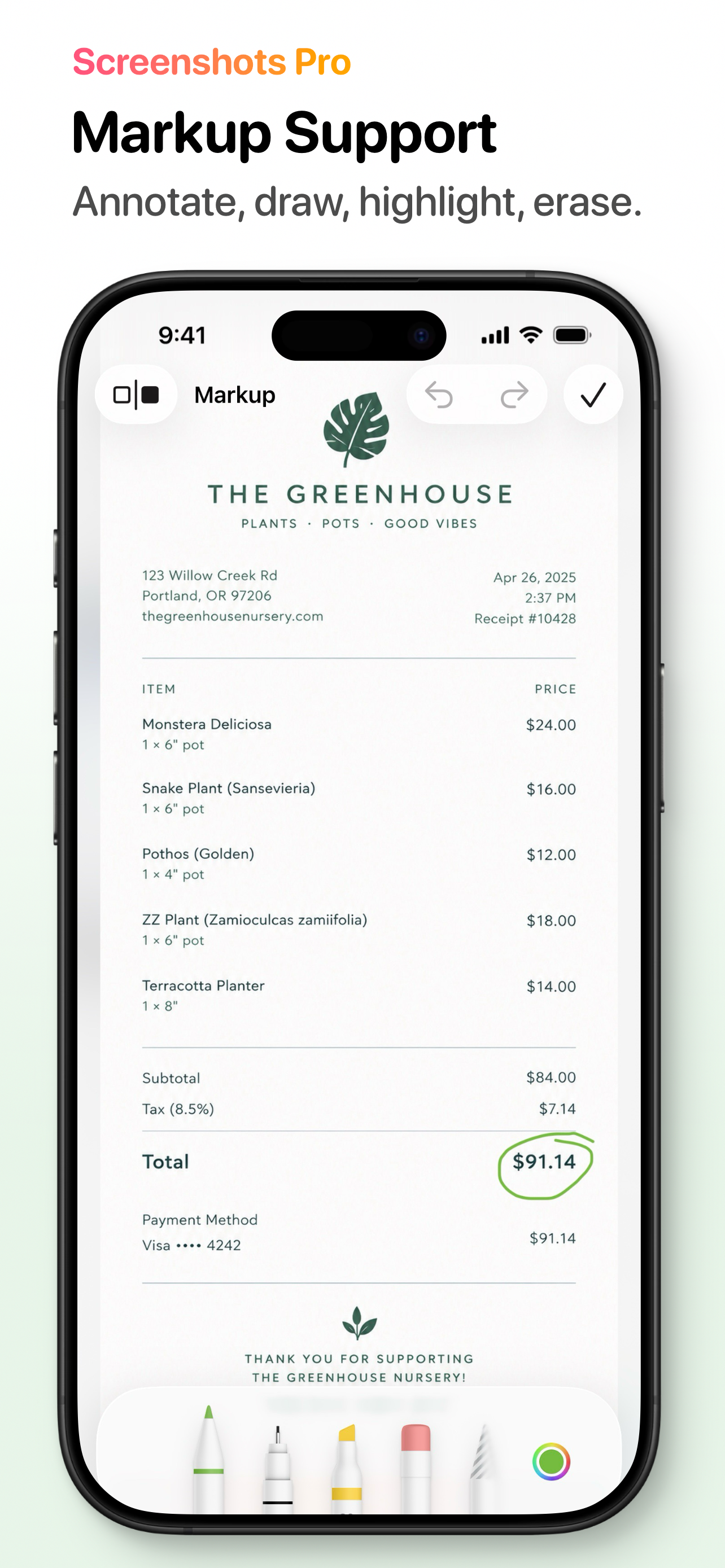
Markup
Annotate, draw, highlight, and erase right on your screenshots. Made a mistake or changed your mind? Use Show Original or Revert to Original at any time.
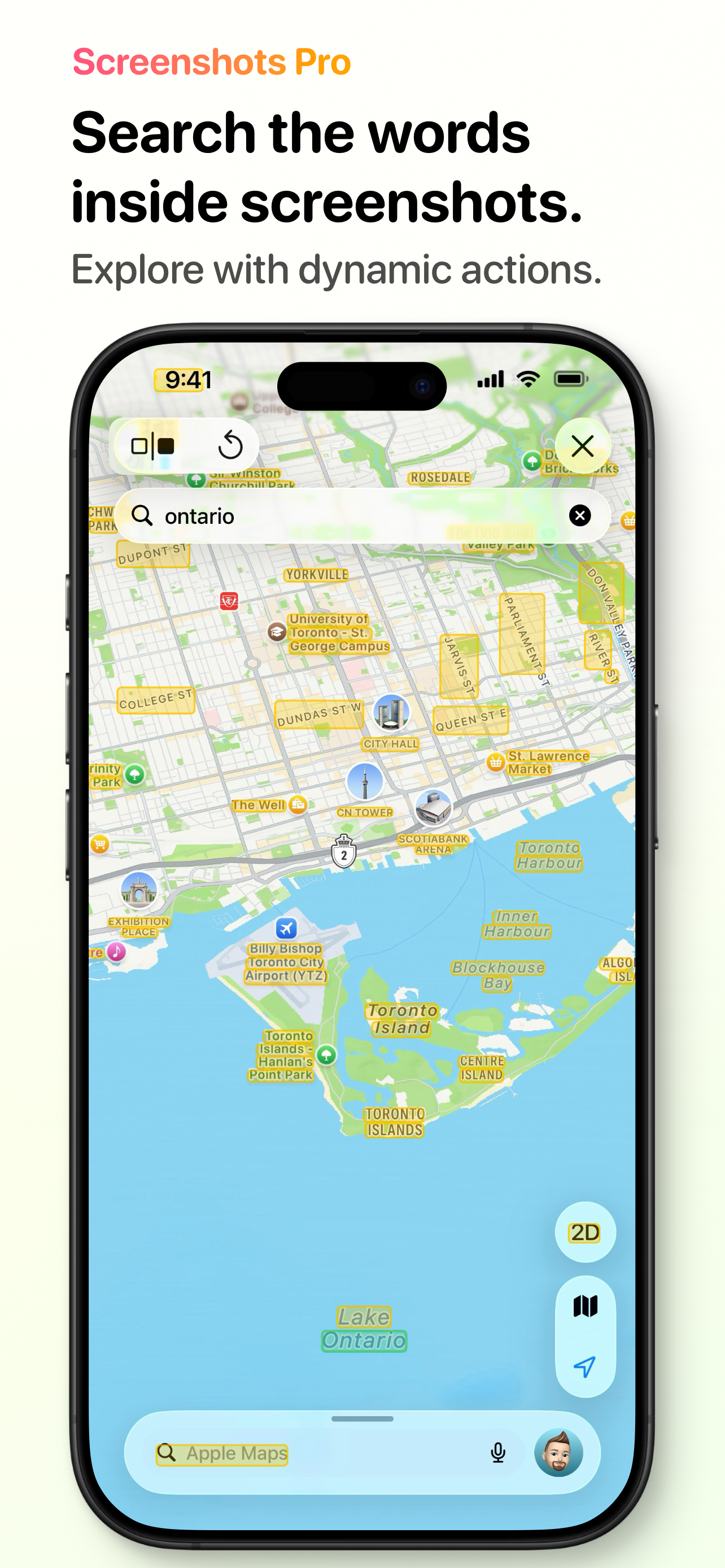
Search the Words Inside Screenshots
Extract and search the text in your screenshots with on-device text recognition. Tap recognized text to copy or share it, and on Mac or with Apple Pencil, hover over a text region to see the full text. Text search is a Premium feature.
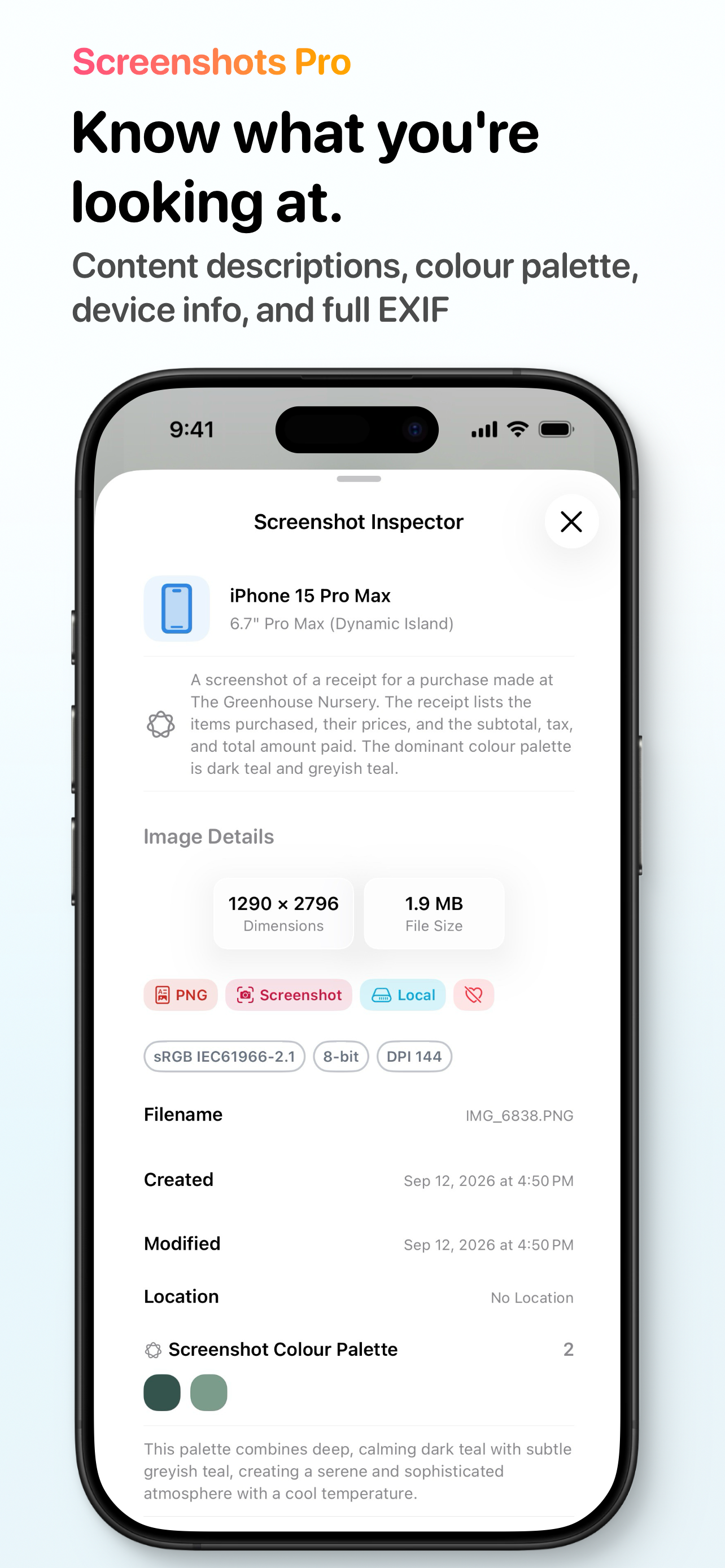
Screenshot Inspector
See what you’re looking at. The Inspector shows Apple Intelligence–powered content descriptions, colour palettes, device details and finishes, and full EXIF metadata for any screenshot.
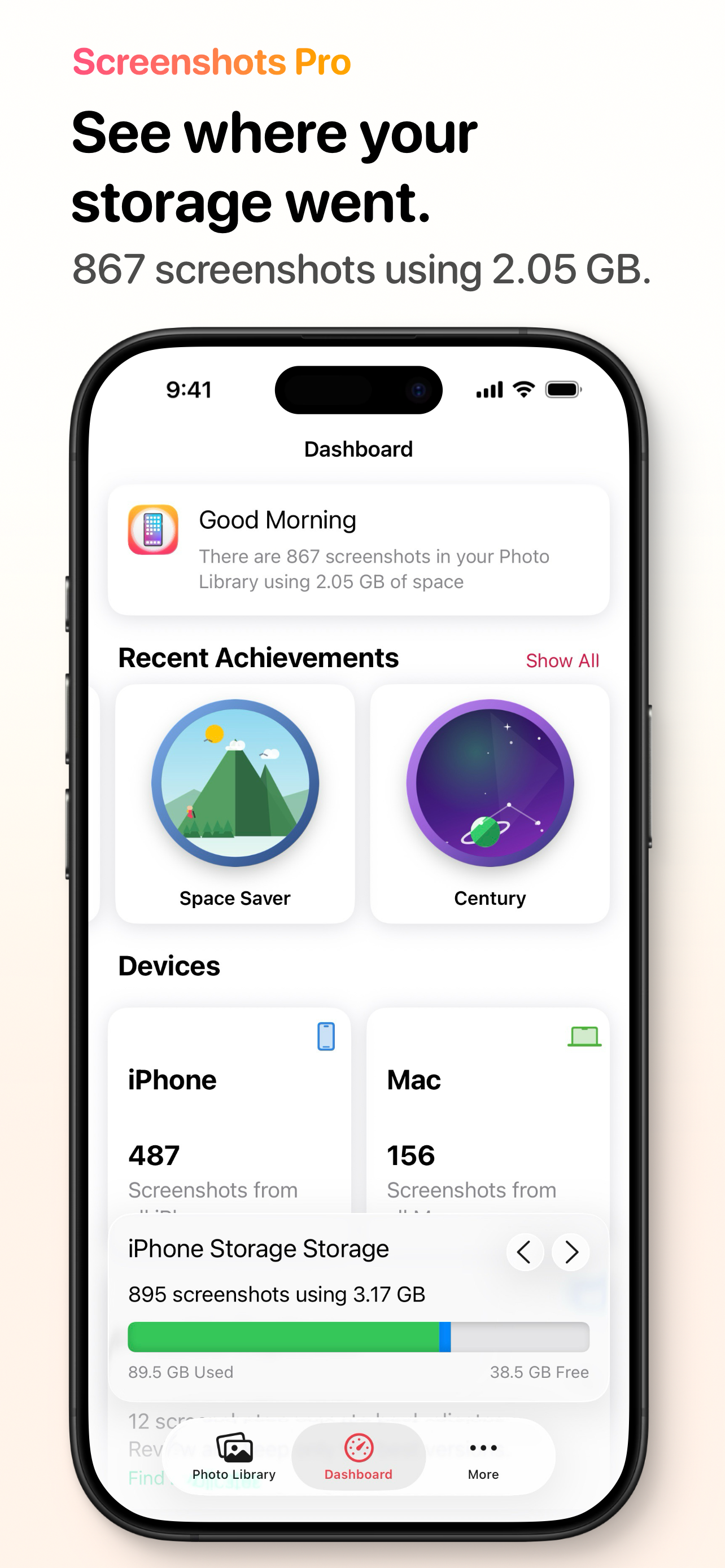
Dashboard
Visually track how much storage your screenshots take on your device and in iCloud, see trends over time, unlock achievements as you tidy up, and get smart suggestions for what to clean next.
What's New in Screenshots Pro
New Devices
- iPhone 18 Pro, iPhone 18 Pro Max, iPhone Duo (front and interior), Apple Watch Series 12, and Apple Watch Ultra 4 are all ready to frame.
- New device frames now arrive on their own — no app update needed. Pull to refresh on the Device Frames screen to check for new ones any time.
Clearer Device Names
- Apple Watch models are now listed by series and size (“Series 10–12 · 46mm”), and every device shows which other models share its screen size.
Tidier Menus
- The screenshot viewer’s More menu and the Mac menu bar now match: Share, Copy, Show Device Frames, Show Text Recognition, Show Colour Picker, Markup, and Show with Padding — with Favourite and Hide reflecting the current screenshot.
- On iPad and Mac, the device frame preview now has its own shortcuts in the menu bar.
Smoother Library
- Faster, more responsive scrolling and browsing, smoother swiping between screenshots, and more accurate library stats.
- The Dashboard storage bar now shows how much of your library is stored on this device and how much is only in iCloud.
Other Changes
- Frees up storage left behind by older versions of the app.
- Fixed framed screenshots sometimes missing the Dynamic Island.
- The Open Dashboard and Open Most Recent shortcuts work more reliably.
- More reliable opening of a screenshot from a link, Handoff, or Spotlight.
- The photo permission prompt no longer appears too early in onboarding.
- Dashboard content updates more quickly and reliably.
- The device frame preview opens as a full or half-height sheet and remembers your preferred size.
- Pinned screenshots persist after reinstalling or when Photos access changes.
Recent New Features
- Pinned Screenshots — Pin your most important screenshots to the top of your Library, or to your Home Screen with the Pinned Screenshots widget.
- On-Demand Device Frames — Download only the device frames you use, cutting the app’s download size by up to 45%.
- Dashboard Achievements, Trends & Suggestions — Unlock achievements, spot trends in your Library, and get smart suggestions for tidying up.
- Colour Picker and Markup — Pull colours from your screenshots and draw directly on them.
Frequently Asked Questions
What is Screenshots Pro?
Screenshots Pro is a dedicated screenshot organizer and manager for iPhone, iPad, and Mac. It automatically separates screenshots from your photo library and provides powerful tools like device frames, OCR text search, a visual dashboard, and iCloud sync to help you manage, search, and frame your screenshots.
Is Screenshots Pro free?
Yes, Screenshots Pro is a free download from the App Store. The app includes core features at no cost, with an optional Premium subscription that unlocks advanced features like OCR text search and additional functionality.
What devices are supported?
Screenshots Pro is available on iPhone, iPad, and Mac. It requires iOS 26 or later on iPhone and iPad, and macOS 26 or later on Mac. The app supports screenshots from all modern Apple devices including iPhone, iPad, Apple Watch, and Apple Watch Ultra.
What are device frames?
Device frames let you wrap your screenshots in professional device bezels — perfect for App Store listings, presentations, or social media. Screenshots Pro includes frames for the latest iPhones (including iPhone 18 Pro and iPhone Duo), iPads, and Apple Watch models in a wide range of colour options, and new frames download automatically with no app update.
Does Screenshots Pro access my photos?
Screenshots Pro only accesses the screenshots in your photo library — it does not touch your regular photos or videos. All processing happens on your device, and your data stays on-device or in your personal iCloud Drive. Screenshots Pro never uploads your data to external servers.
What does Premium include?
Screenshots Pro Premium unlocks OCR text search, which lets you extract and search text directly from your screenshots. Premium also includes access to the Screenshots Pro beta and additional features as they are released.
Does Screenshots Pro work with iCloud?
Yes, Screenshots Pro uses iCloud Drive to sync your data across all your devices. When signed into iCloud with iCloud Drive enabled, your screenshot library, tags, and settings stay in sync between your iPhone, iPad, and Mac.
What's new in the latest version?
Screenshots Pro 2026.6 adds frames for the iPhone 18 Pro, iPhone 18 Pro Max, iPhone Duo, Apple Watch Series 12, and Apple Watch Ultra 4, and new device frames now arrive on their own with no app update needed. This release also brings clearer device names, matching menus in the viewer and Mac menu bar, smoother Library scrolling and swiping, and a Dashboard storage bar that separates what is on your device from what is only in iCloud. Recent releases added Pinned Screenshots, on-demand device frame downloads, Dashboard Achievements, a Colour Picker, and Markup.
Screenshots, simplified.
Screenshots Pro requires an iPhone, iPad, or iPod touch running iOS 26 or later. Some features require your device be signed into iCloud with iCloud Drive enabled and a paid Screenshots Pro Premium Subscription.